
The main layout
The center of the screen is where your records live — people, companies, opportunities, tasks, notes, dashboards, workflows, and any custom objects. You view, edit, and delete records here, and create new views.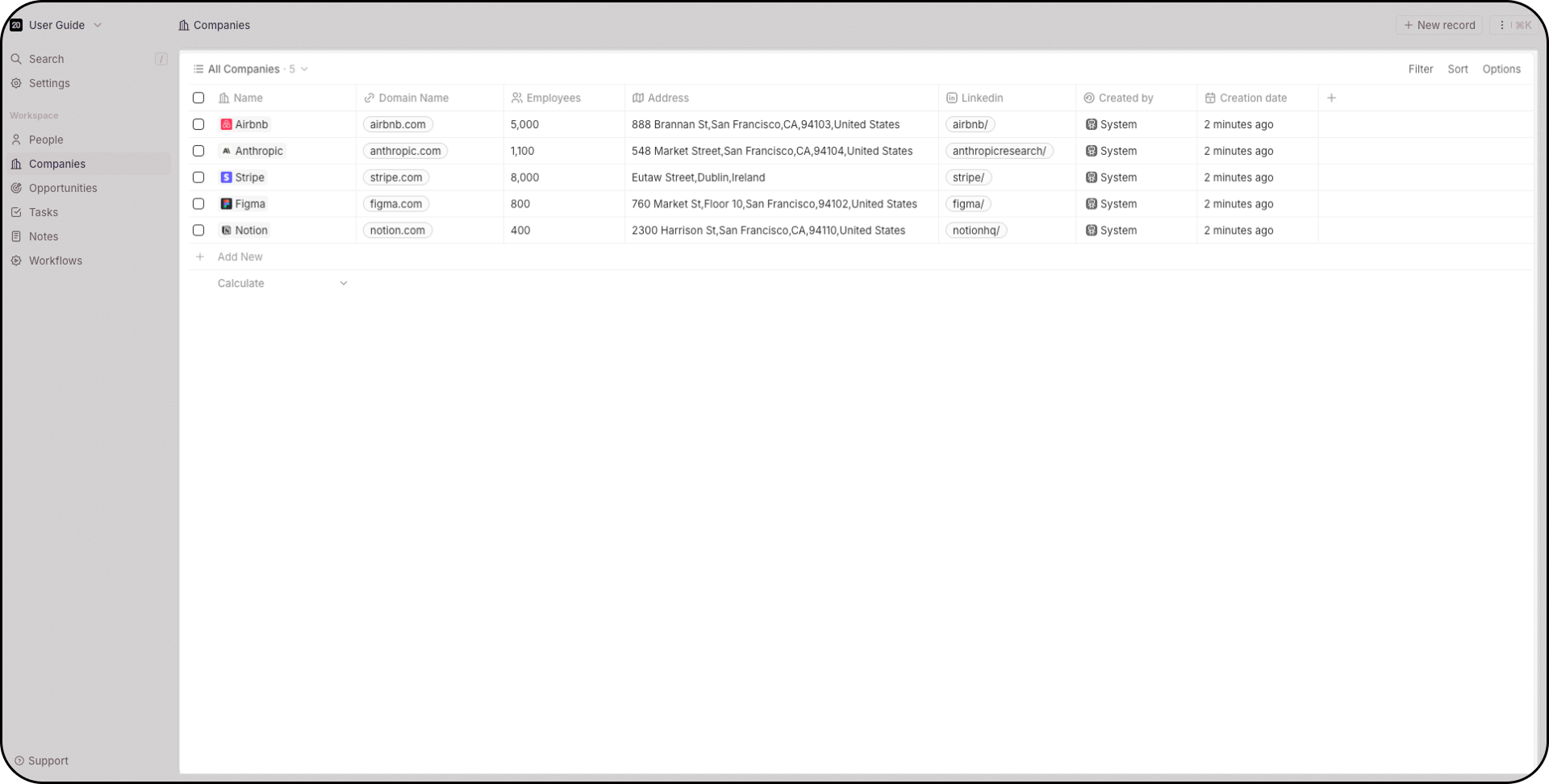
Sidebar
The left sidebar gives you:- Workspace switcher — switch between workspaces or create a new one (top dropdown)
- Search — press
/to focus instantly, searches across all objects - Settings — access from the top left
- Favorites — pinned views, unique per user
- Object shortcuts — quick access to People, Companies, Opportunities, etc.
- Workflows — create automations
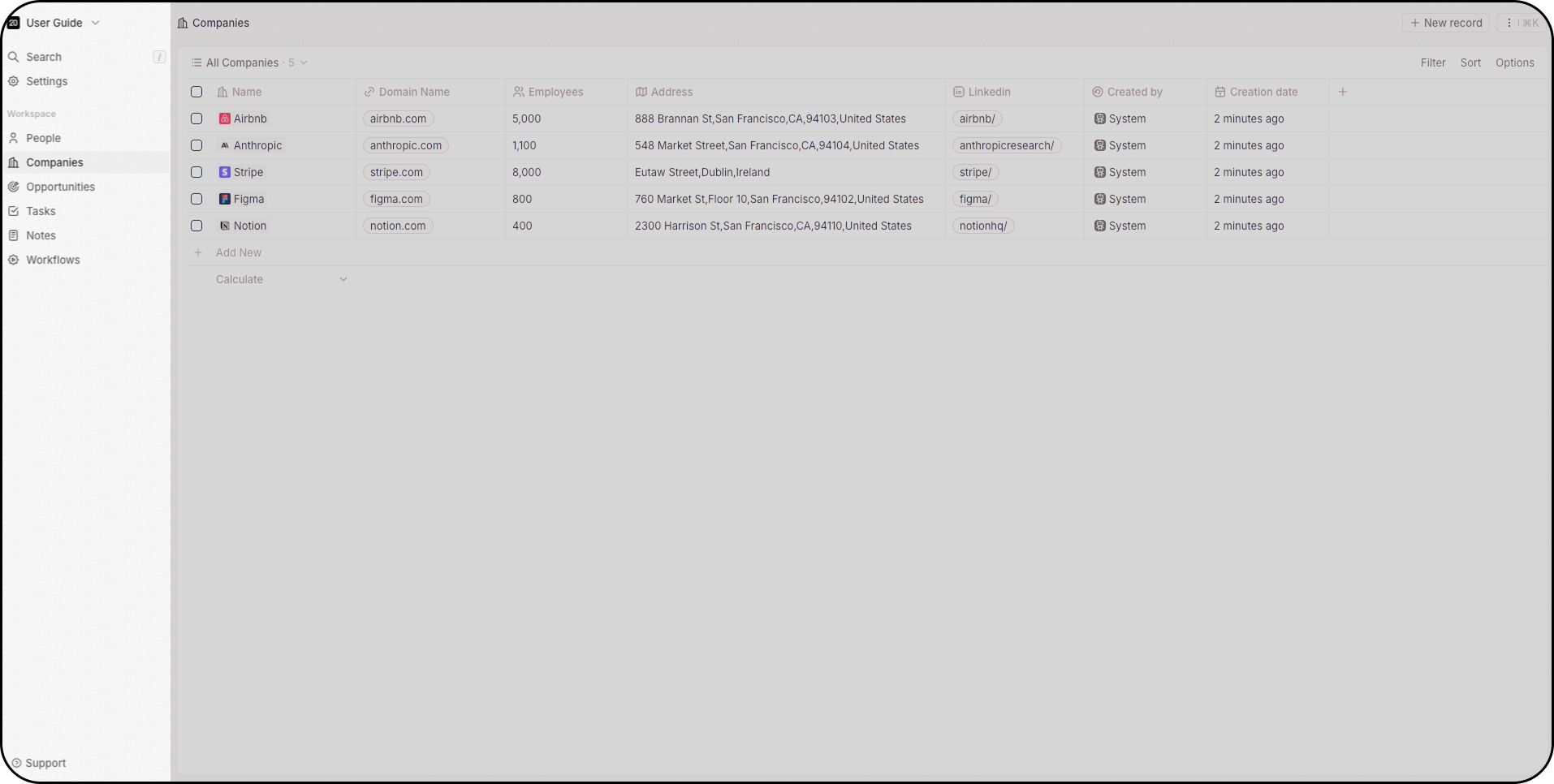
Cmd+K on Mac or Ctrl+K on Windows). When collapsed, use Expand sidebar to show it again.
Command menu
PressCmd+K (Mac) or Ctrl+K (Windows) — or click the three dots in the top right. From here you can:
- Create new records
- Import and export data via CSV
- Create new views
- Access deleted records (Twenty supports soft and hard deletes)
- See keyboard shortcuts for navigating your workspace
Search
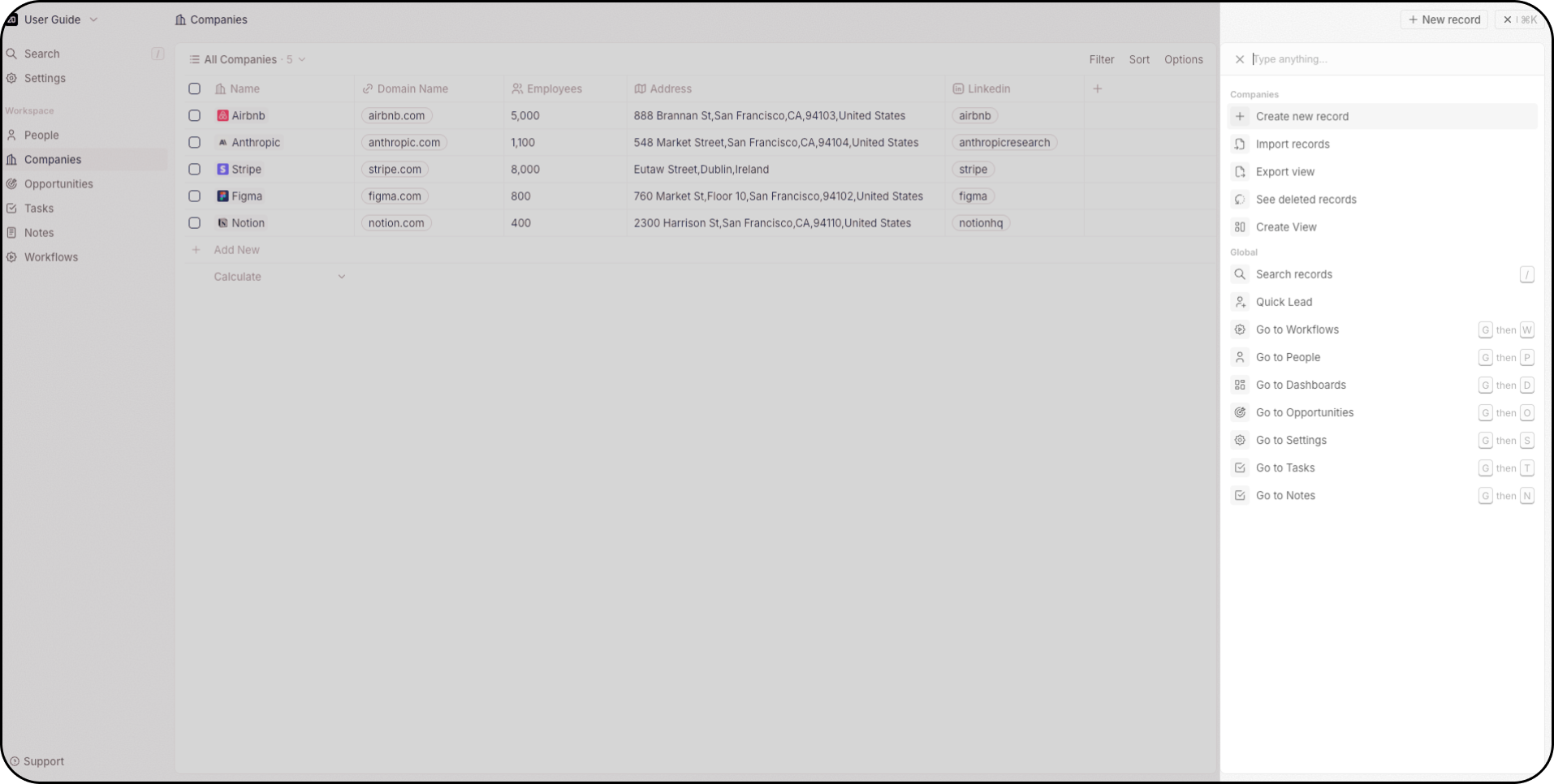
Accessible via the Command Menu, the top of the sidebar, or by pressing/. Search works across all objects.
Side panel
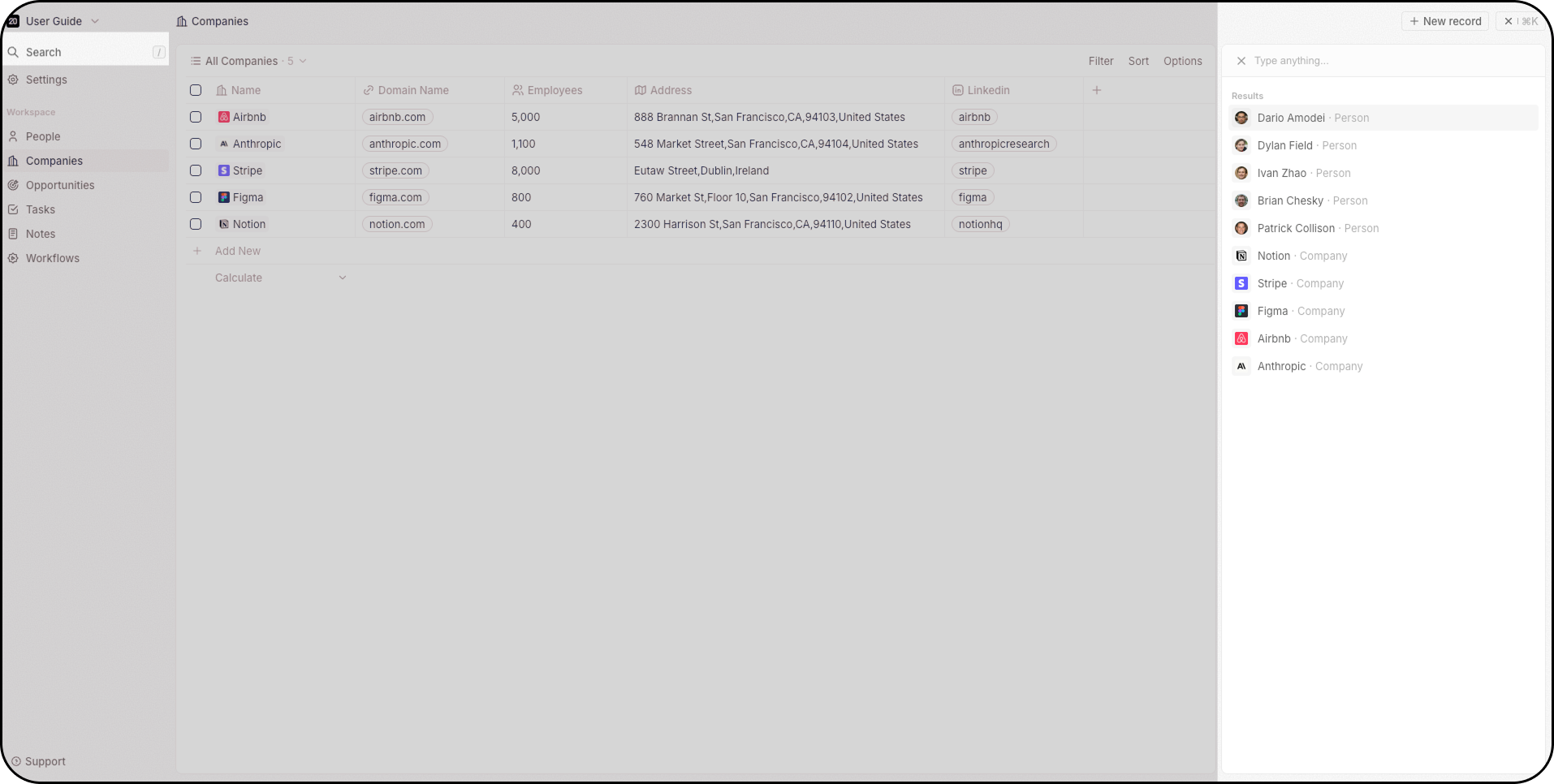
Click a record to open the side panel on the right — a quick overview of the record’s key information without leaving the current page. Click Open to go to the full record page.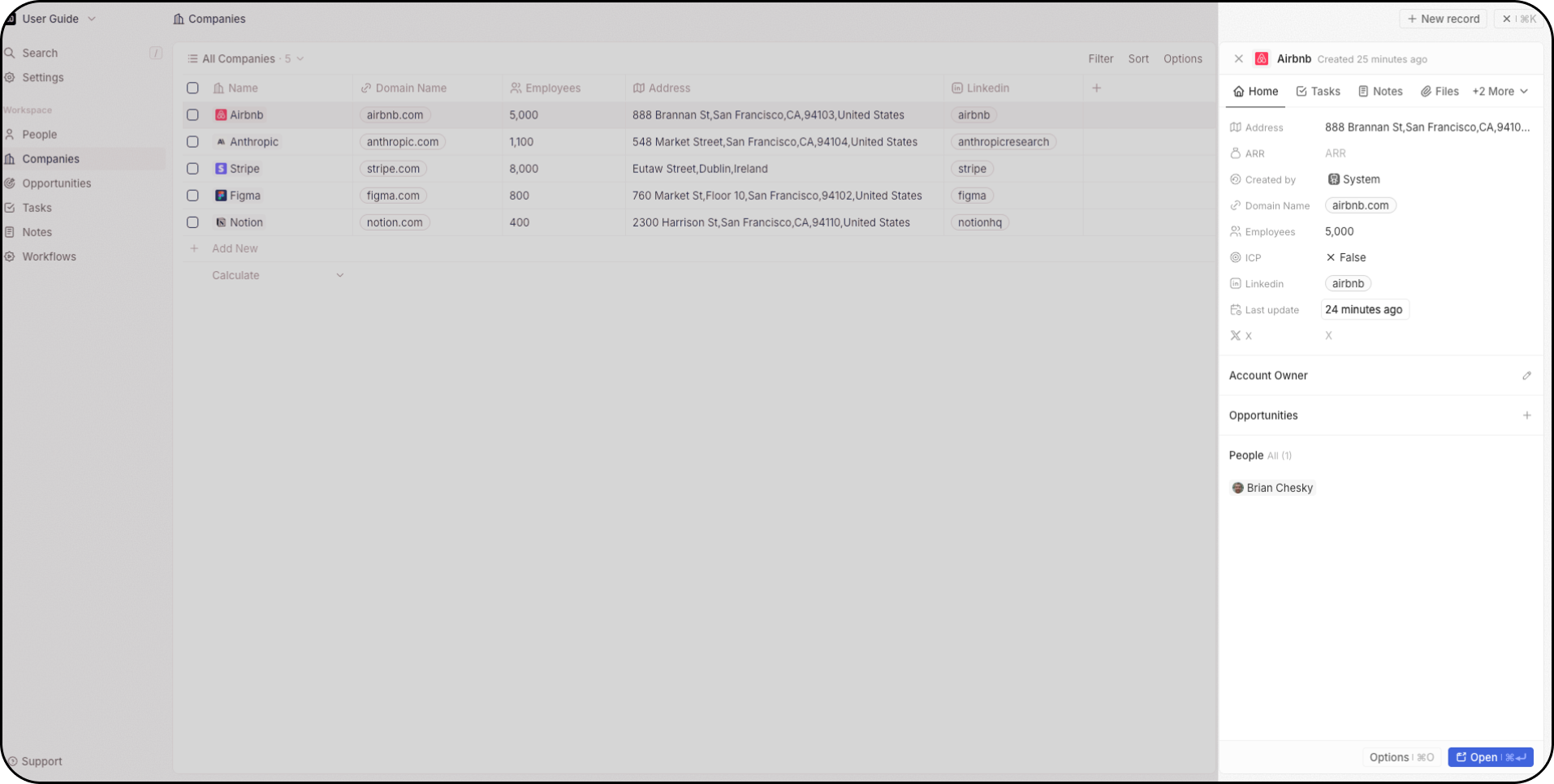
Views
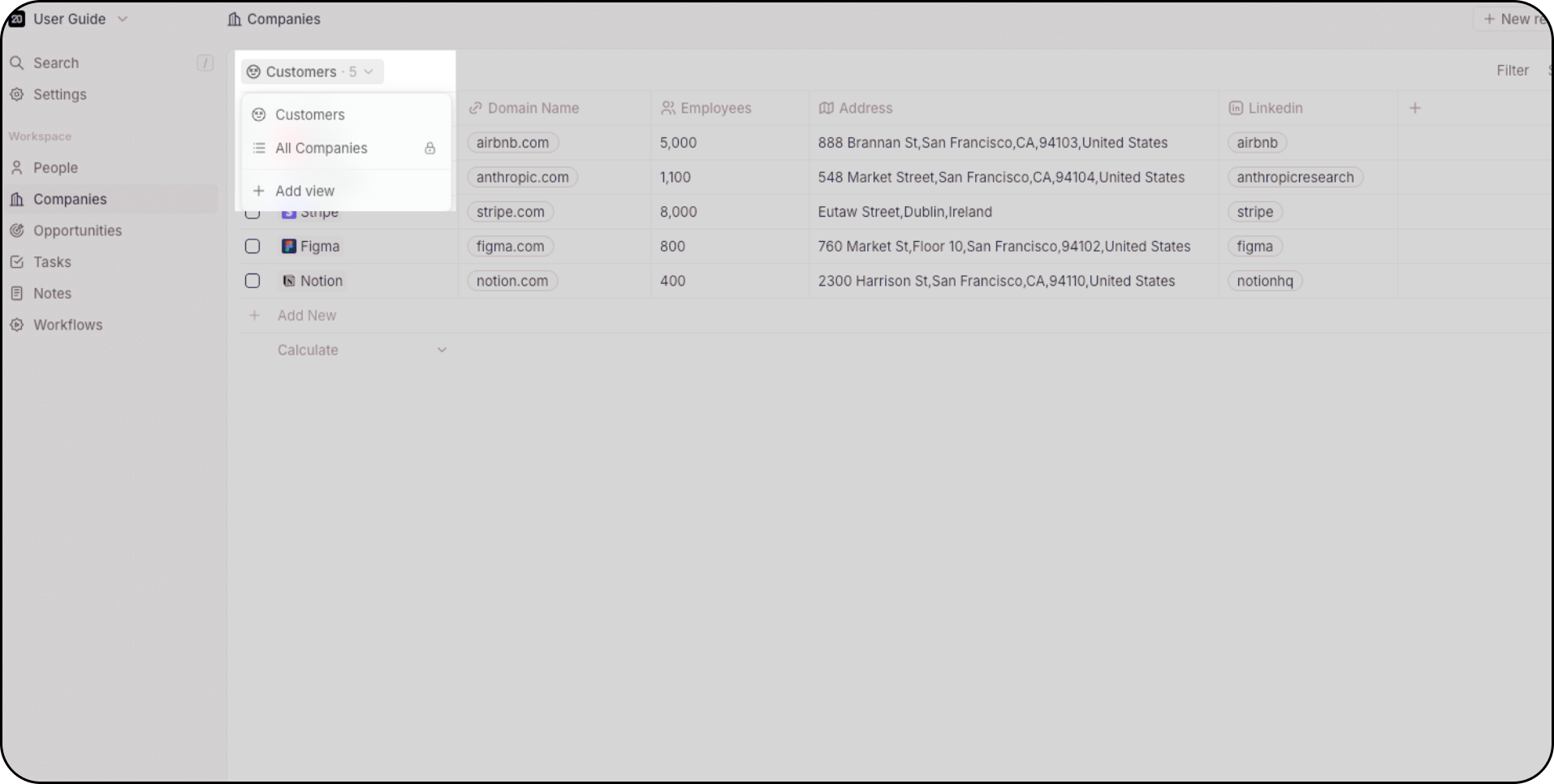
Every object supports multiple views — unlimited per object. Use the dropdown at the top left to switch between them.- Table — spreadsheet-style rows and columns, with grouping, inline editing, and column customization
- Kanban — drag-and-drop cards organized by a select field, ideal for pipelines
- Calendar — records plotted by a date field for time-based planning
Record pages
When you open a record, the detail page is built from configurable tabs and widgets. Add, remove, reorder, and resize widgets on a grid — fields, related records, emails, timeline, tasks, notes, files, charts, iframes, and more. Each object type has its own layout.Full Layout guide
Sidebar, views, record pages — detailed reference and how-tos.