
Standard Objects
Standard objects are predefined entities in your workspace to help you get started. They’re part of a shared data model accessible to all users of Twenty. You can use them as-is, customize them or deactivate them.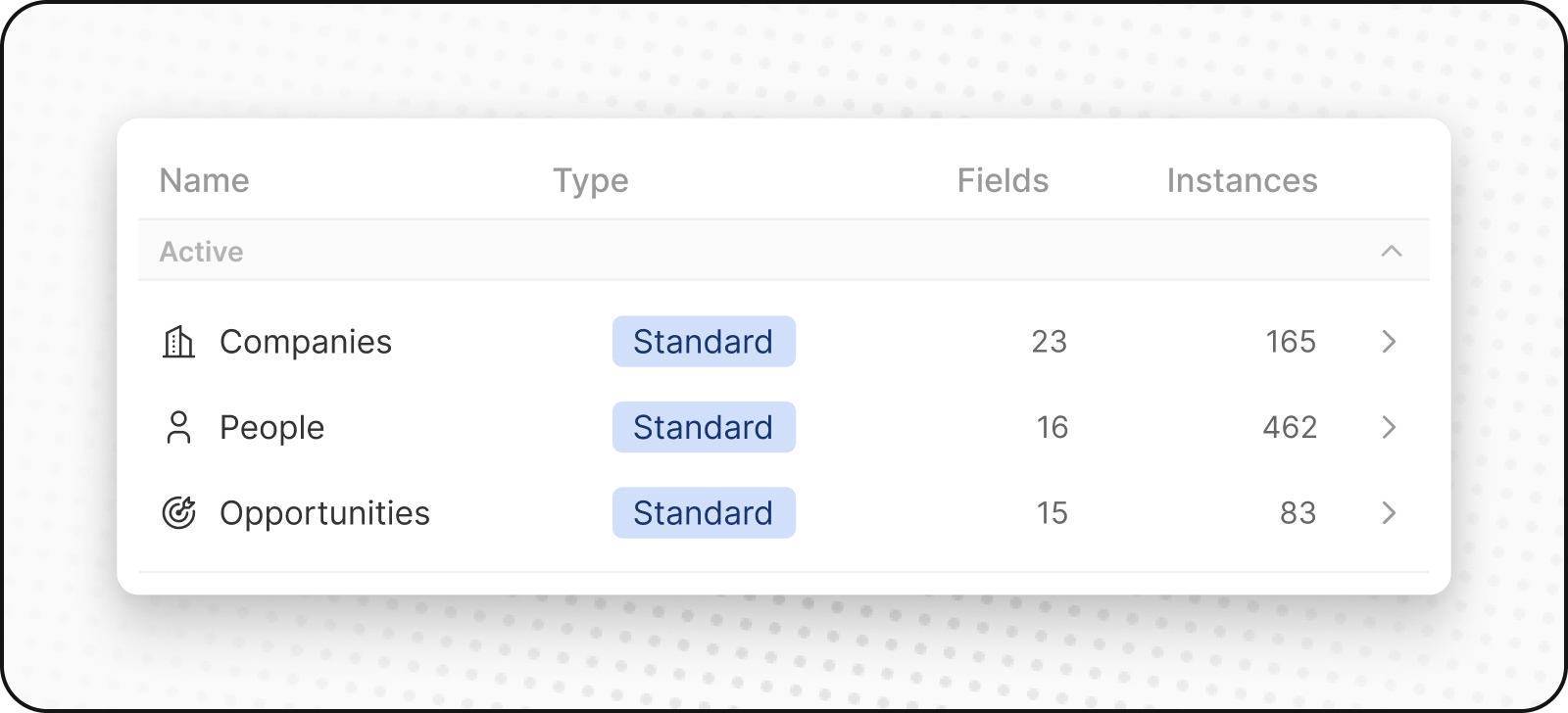
People
ThePeople object stores your contacts. It includes contact details and interaction history, so you can see all your customer interactions in one place.
Companies
TheCompanies object stores your business accounts. It includes details like industry, size and location. Companies connect to both People and Opportunities objects.
Opportunities
TheOpportunities object stores deal-related data. It tracks the progression of potential sales, from prospecting to closure, recording stages, deal sizes, associated account, and expected close date. You can view your sales pipeline in a kanban layout.
Notes
TheNotes object stores free-form notes that can be attached to People, Companies, Opportunities, and other records. Use notes to capture meeting summaries, important details, or any contextual information.
Tasks
TheTasks object stores to-dos and action items. Tasks can be linked to People, Companies, Opportunities, and other records. Track due dates, assignees, and completion status to stay on top of your follow-ups.
Custom Objects
Custom objects let you store information that’s unique to your organization and that standard objects can’t handle. For example, if you’re SpaceX, you may want to create a custom object for Rockets and Launches.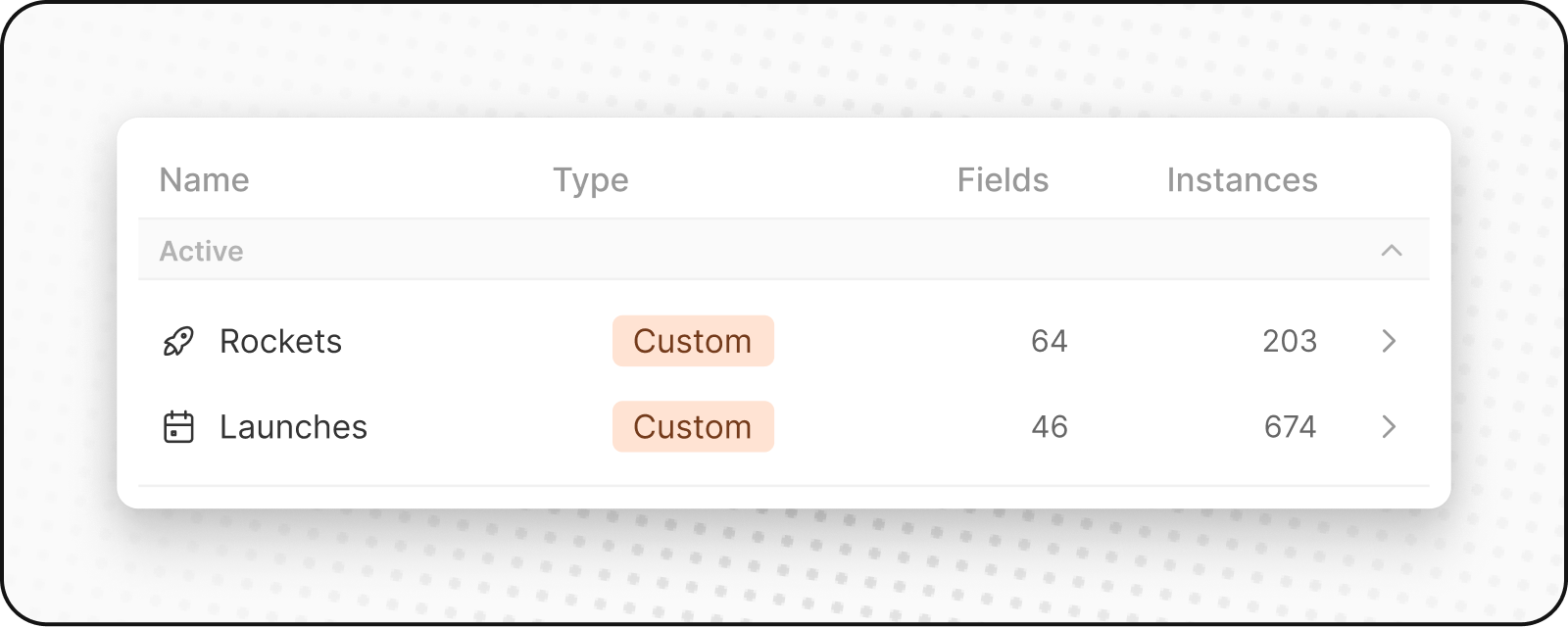
Creating a New Custom Object
To create a new custom object:- Go to Settings in the sidebar on the left.
- Under Workspace, go to Data Model. Here you’ll be able to see an overview of all your existing Standard and Custom objects (both active and deactivated).
- Click on
+ New objectat the top. Enter the name (both singular and plural), choose an icon, and add a description for your custom object and hit Save (at the top right). Using Listing as an example of custom object, the singular would be “listing” and the plural would be “listings” along with a description like “Listings that hosts created to showcase their property.” - Your custom object is now created and will appear in your sidebar. You can start adding records to it right away.
Managing Objects
Deactivating Objects
If you don’t need a standard or custom object:- Go to Settings → Data Model
- Find the object you want to deactivate and click it
- Go to object’s Settings tab
- Click
Deactivatebutton - The object will be hidden from your workspace but data is preserved
Reactivating Objects
To bring back a deactivated object:- Go to Settings → Data Model
- Enable
Deactivatedfilter - Look for deactivated objects (they have
Deactivatednext to their name) - Click
⋮and thenActivateto reactivate it - The object and all its data will be restored
Best Practices
When to Create Custom Objects
- Unique business entities: Things specific to your industry or process
- Complex relationships: When you need to track connections between multiple entities
- Scalable data: When you might have many instances of something
When to Use Fields Instead
- Simple attributes: Properties that describe existing objects
- Categories or labels: Ways to classify existing records
- Single values: Information that doesn’t need its own lifecycle
Object Naming
- Use clear, descriptive names: Make it obvious what the object represents
- Follow conventions: Use singular for the object name, plural for the collection
- Consider your team: Choose names everyone will understand