
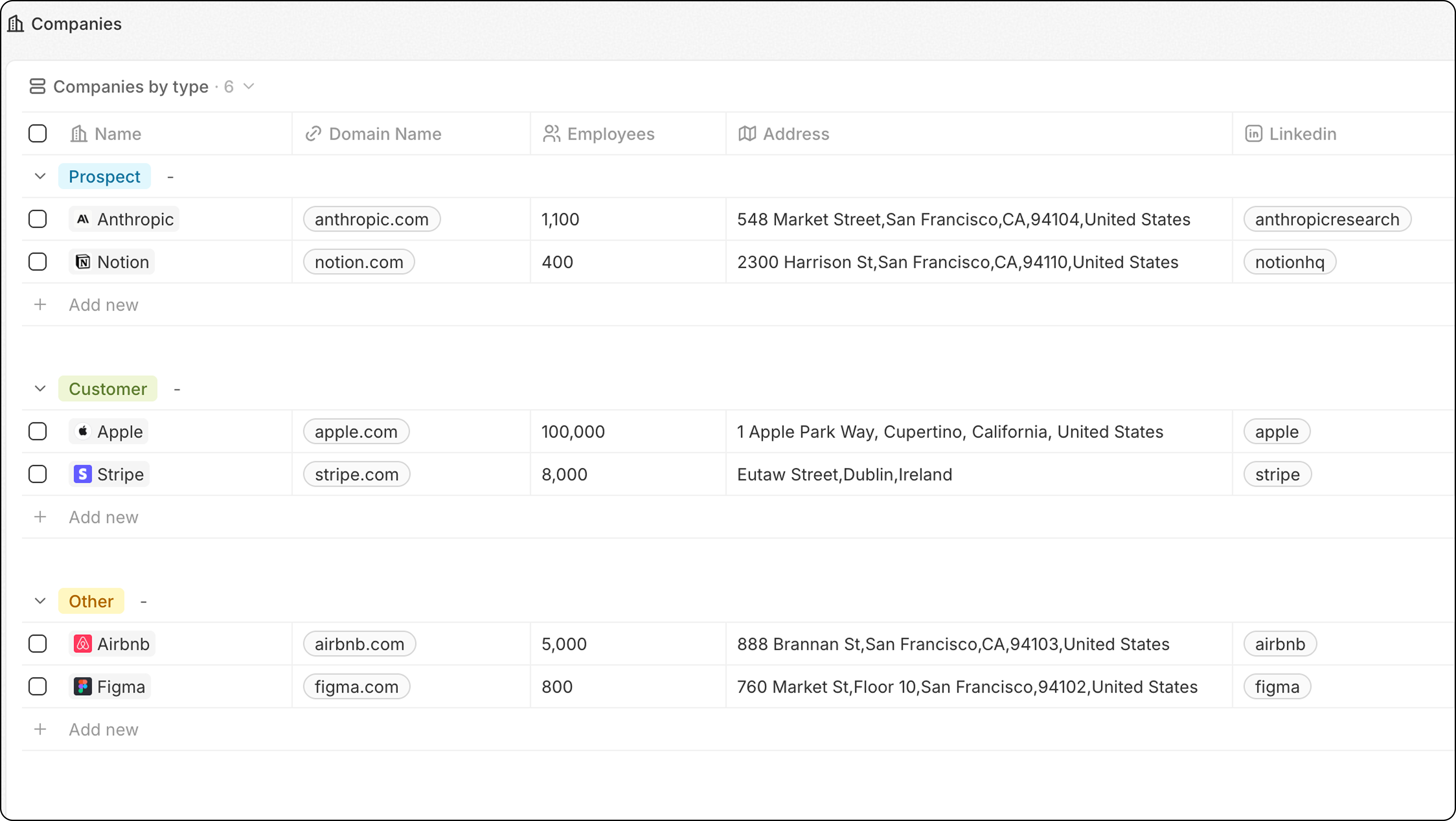
Steps
- Navigate to the object (People, Companies, etc.)
- Click the view dropdown → + Add view
- Name your view (e.g., “Companies by Type”)
- Click Create
- Click Options → Group
- Choose a Select field to group by
- Click Save
Configure Group Order
Under Options → Group → Sort, choose how groups are ordered:
Click the eye icon next to a group to hide it from the view.
For best performance, limit to 10-15 visible groups. If you need more, consider using a Dashboard instead.
Example: Companies by Industry
- Go to Companies
- Create a new view named “By Industry”
- Click Options → Group
- Select the Industry field
- Save
Related
- Table Views — all table view features
- Filters and Sorting — combine grouping with filters