
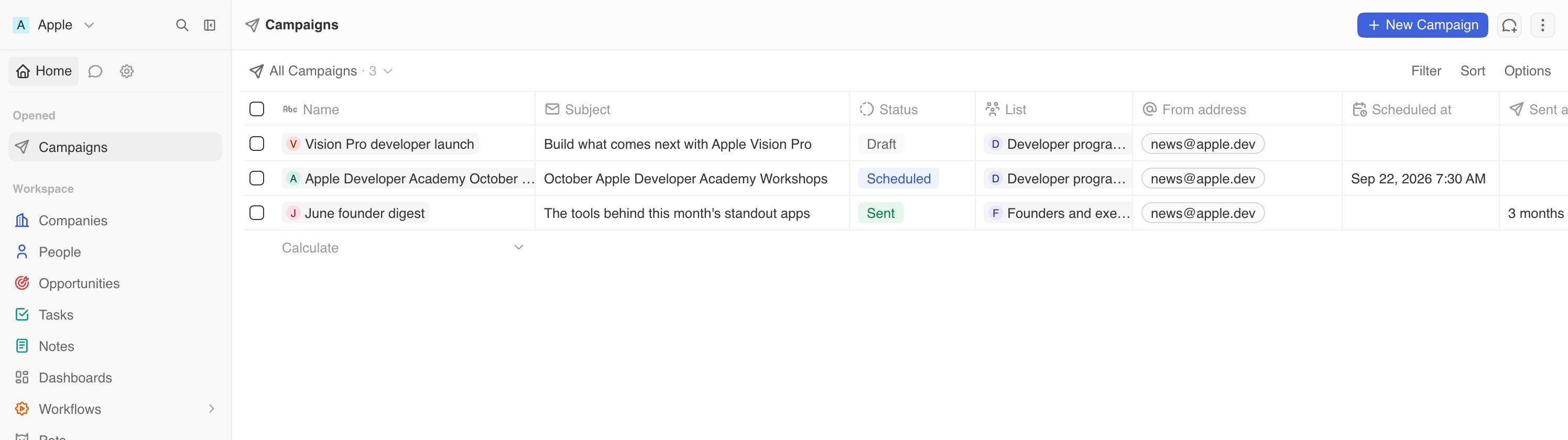
Campaigns for sales teams
Use campaigns to run sales plays that would be hard to manage one email at a time:- Work target accounts. Reach the right people at companies in a specific industry, region, size, or account tier.
- Move stalled deals. Send a useful follow-up to people linked to opportunities that have been sitting too long.
- Run event and outbound plays. Invite the people who match your ideal customer profile, not every contact in your database.
- Grow existing accounts. Reach customers based on their plan, usage, renewal date, or any custom field your team tracks.
Use the CRM work you have already done
Build better segments
Build a list from the data your team already maintains: account owner, deal stage, industry, last activity, product plan, lead score, or your own custom fields. No CSV export. No upload. No second contact database to keep in sync.See the signal, then act on it
Use custom dashboards, charts, and funnels to spot where revenue is getting stuck. Then build a focused campaign around that signal. Campaigns turn a report your team sees into a next step your team can take.Keep the work moving with workflows
Workflows can create and update Lists and List Members as records change. For example, add new people who match your ideal customer profile to an outbound list, or move contacts into a follow-up list when a deal reaches a certain stage. Your campaign audience can keep up with the way your sales team works. See Workflows to build automations around your sales process.Use AI when it saves time
Ask Twenty’s AI to find the right people, make a list, or draft one campaign for a list. It uses the CRM data it can access and follows your workspace permissions. It prepares the work; your team reviews it and decides whether to send. See Create a campaign with AI for the full workflow.Keep results close to the work
After you send, the campaign shows who received it, what bounced, what was skipped, and whether anyone marked it as spam. Use that information when you plan the next play.Send from your own domain
Campaigns come from an address on your domain, so people know who sent them. Twenty walks you through domain verification and puts the unsubscribe page on your domain too. Your workspace can send up to 1,000 campaign emails a day. Need a higher limit? Contact us via chat. We review each request and raise limits case by case.Get started
Set up your sending domain once. Then start with a small group of people who expect to hear from you.Set up your sending domain
Verify your domain and send from an address people recognize.
Send your first campaign
Build the list, write the email, test it, and send when you are ready.
Create a campaign with AI
Ask AI to build the list and draft the email, then review it yourself.
Campaign best practices
Learn how to keep your emails welcome in the inbox.