
캘린더 보기 소개
캘린더 보기는 날짜 필드를 기준으로 레코드를 캘린더에 표시합니다. 각 레코드는 해당 날짜에 이벤트로 표시됩니다.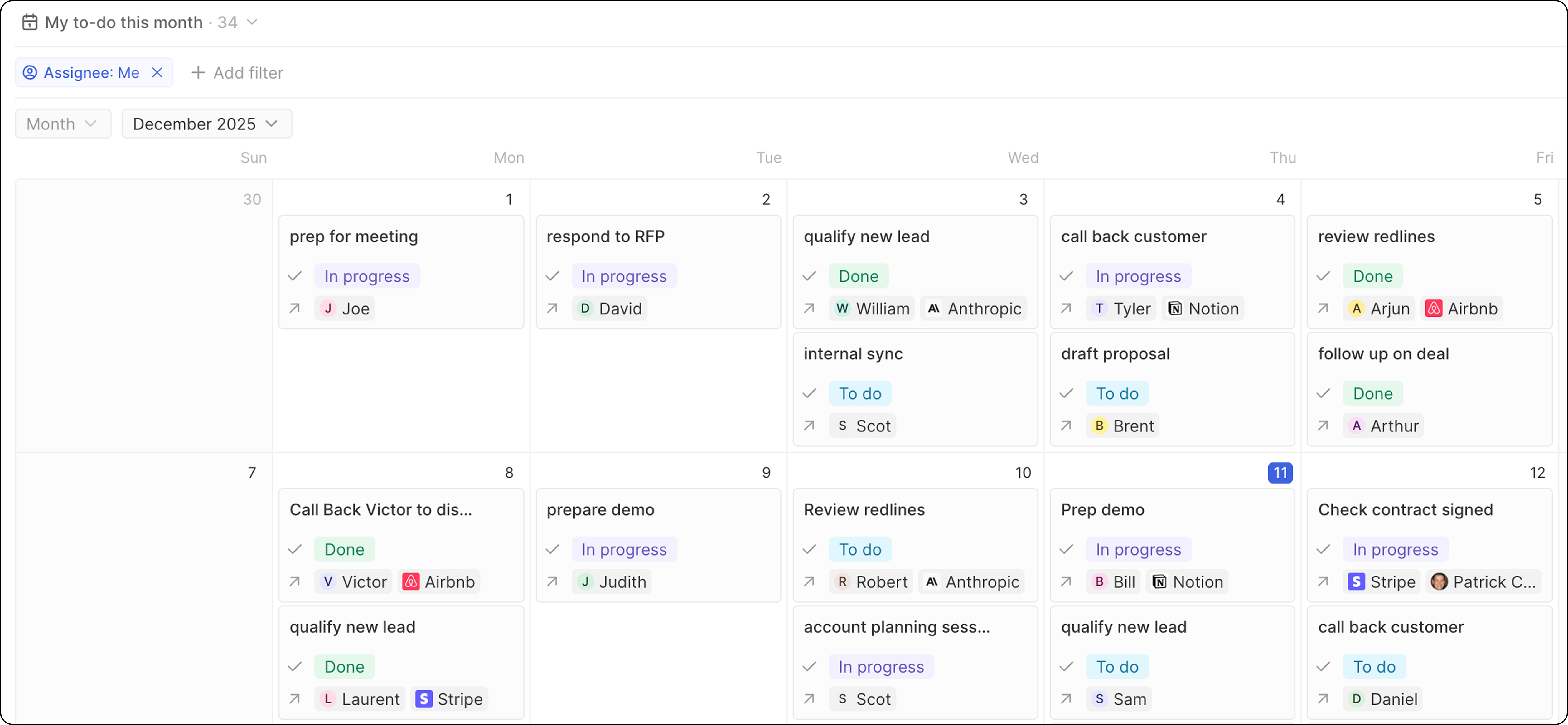
캘린더 보기 생성하기
- 날짜 필드가 있는 오브젝트로 이동합니다.
- 뷰 드롭다운에서 → + 뷰 추가를 클릭합니다.
- 뷰에 이름을 지정하고 생성을 클릭합니다.
- 오른쪽의 옵션을 엽니다.
- 레이아웃으로 캘린더를 선택합니다.
- 레코드의 배치를 위해 사용할 날짜 필드를 선택합니다.
- 뷰 업데이트를 클릭합니다.
캘린더 구성
날짜 필드 선택
옵션에서 캘린더에서 레코드가 표시될 위치를 결정하는 날짜 필드를 선택합니다.표시 필드
각 캘린더 이벤트에 표시할 필드를 구성합니다:- 옵션 → 필드를 클릭합니다.
- 필드를 켜거나 끕니다.
- 드래그하여 순서를 변경합니다.
사용 사례
- 회의 및 통화: 예정된 일정을 확인합니다.
- 마감: 마감일과 종료일을 추적합니다.
- 이벤트: 예정된 활동을 계획하고 시각화합니다.
- 후속 조치: 작업의 마감 시점을 확인합니다.