
- a POST endpoint the UI calls to generate a document, and
- a public GET endpoint that renders a document as a printable web page.
httpRouteTriggerSettings. App routes are addressed with an /s/ path; on local
and self-hosted instances, that path is served by your Twenty server
(e.g. http://localhost:2020/s/documents/generate). On Twenty Cloud, RestApiClient
resolves the path through the workspace’s functions domain.
POST route — generate on demand
This reusesgenerateDocumentHandler, so there’s no logic to repeat — just a thin
adapter that reads the request body.
status on failure, so the route can
answer with a proper 4xx/5xx code. isAuthRequired: true means the caller
must present a valid token — the front component in the next chapter passes the
user’s access token automatically.
GET route — render as a web page
To return HTML instead of JSON, wrap the body in aResponse with a
Content-Type header. This route is public (isAuthRequired: false) so a
generated document can be shared as a link.
documentHtmlPage renders the Markdown body to HTML (with marked,
sanitized) and drops it into a clean, printable page that shows just the template
content — the same look as the PDF and the in-app preview.
See the helper.
Try it
With a template and a Person in your workspace, call the route (grab a token from Settings → APIs & Webhooks):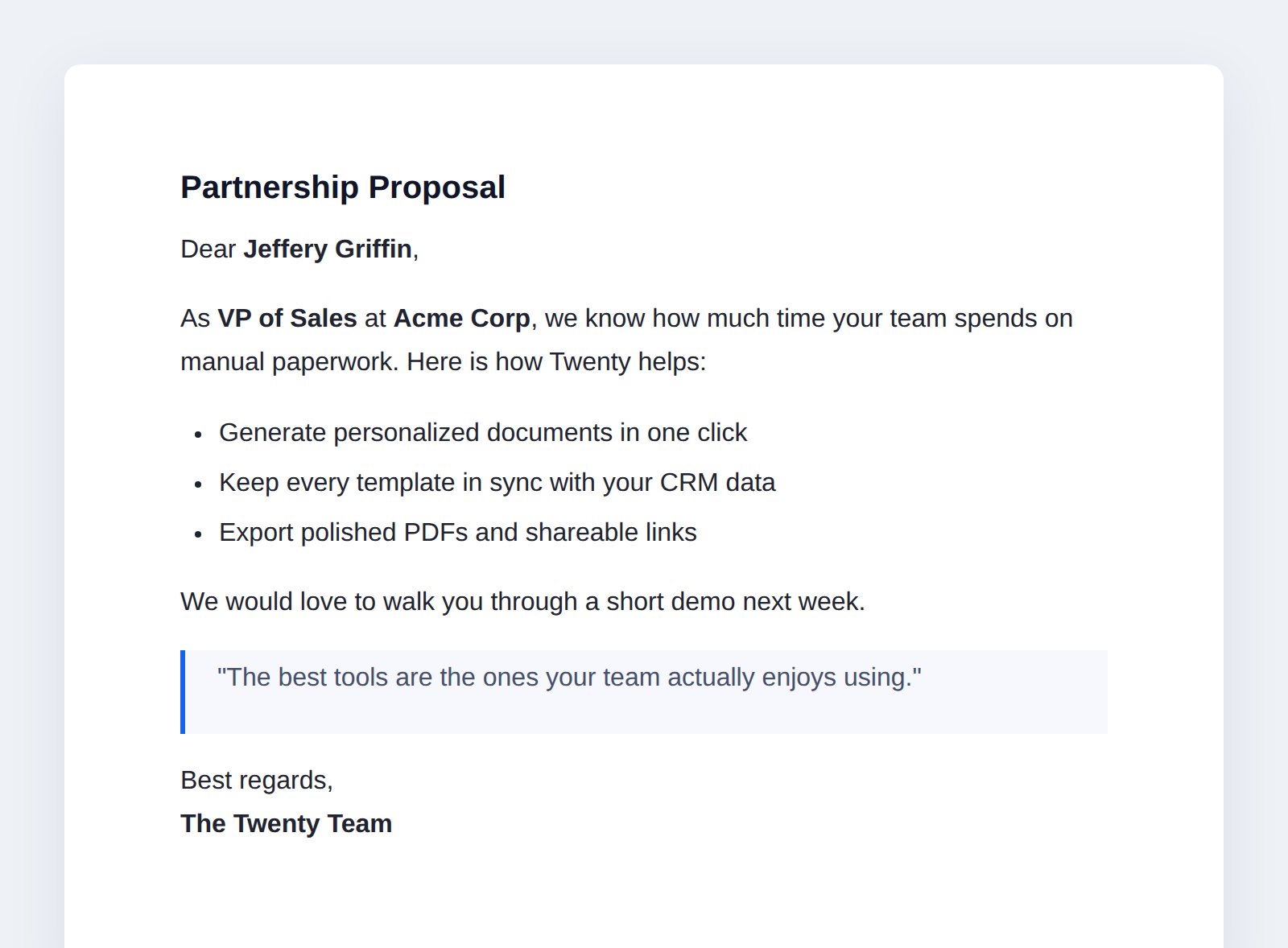
The public GET route renders the document as a printable page.
curl.
Next: building the UI →
Views, navigation, a command, and a front component.