
{{placeholders}}, then generate a filled-in
document for any Person or Company in one click — from the command menu, from an
AI agent, or from a workflow.
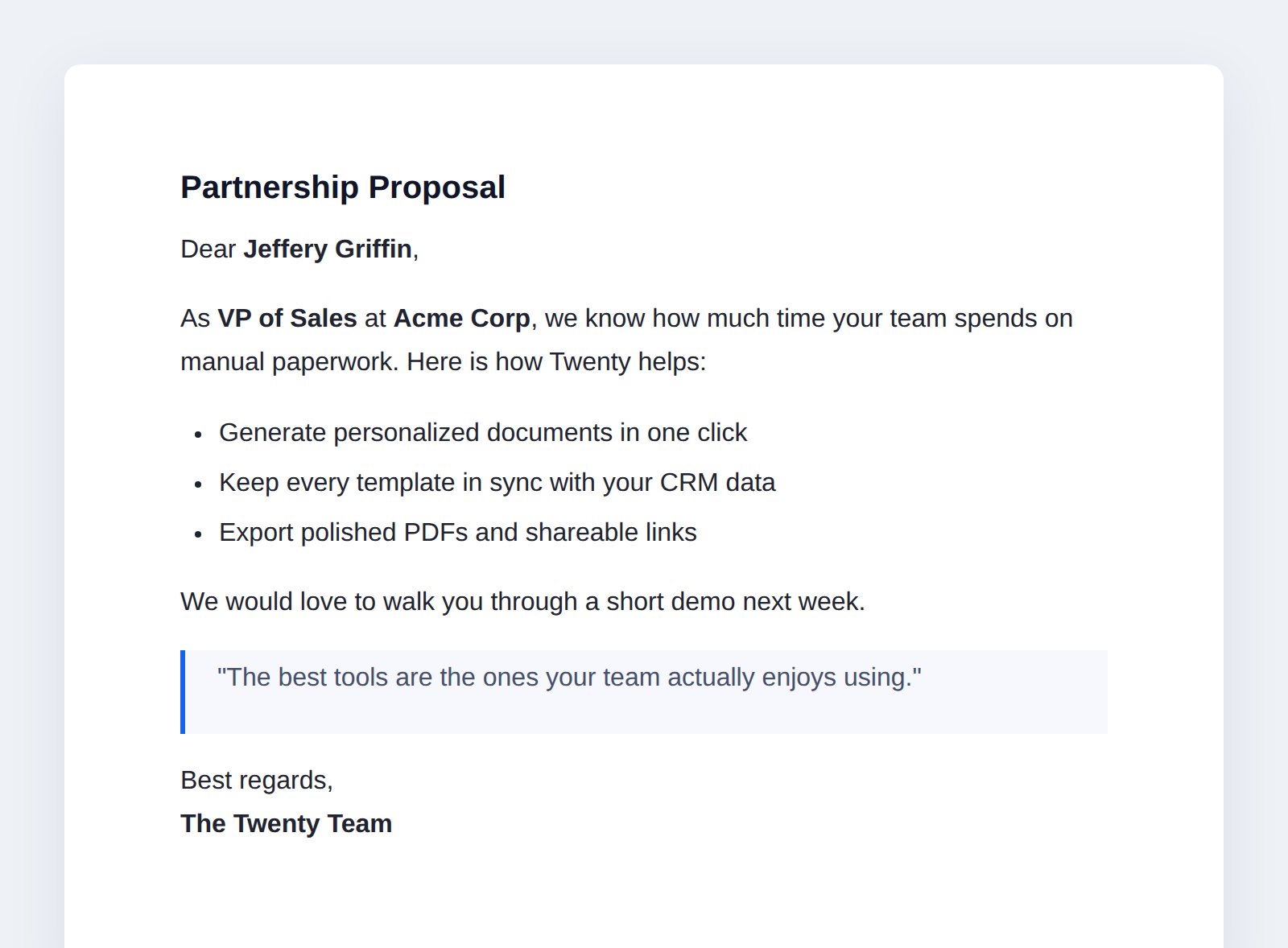
One template, generated for a specific person, opened as a printable page.
What you’ll learn
Each chapter adds one capability. By the end you’ll have touched most of the SDK.Prerequisites
You should have finished the Quick Start: a local Twenty server running on port2020 and the CLI authenticated to it.
If not, scaffold and start one now:
Prefer to read the finished code? The complete app lives in
packages/twenty-apps/examples/document-generator.
Every snippet below is copied from it.How the app fits together

{{placeholders}}. Picking a
template and a CRM record fills the placeholders and stores a polished
document (with a PDF file). Everything else — the command menu, the AI agent,
the workflow step, the shareable link — is just a different way to trigger that
one generator.
Keep this loop running
Leaveyarn twenty dev running in a terminal for the whole tutorial. Every time
you add or edit a file under src/, it re-syncs to your server within a few
seconds, so you can watch each capability appear in the UI as you build it.
Start building →
Chapter 1: model documents and templates.